Global logistics solutions
Your cargo,
our priority
FastSecureWorldwide
Air, ocean and road on one shipment record — from the origin dock through the hub to the door, watched by a named desk.

Global brands trust us


Marks identify networks and platforms our corridors interconnect with. They are not client logos, carrier endorsements or paid placements.
Every Priority Courier movement is the same sequence, whether it is a same-day parcel or a bonded container. Status is the last scan that actually happened.
A booked window, a counted piece list and a seal. The first custody event is who held it and where it started.
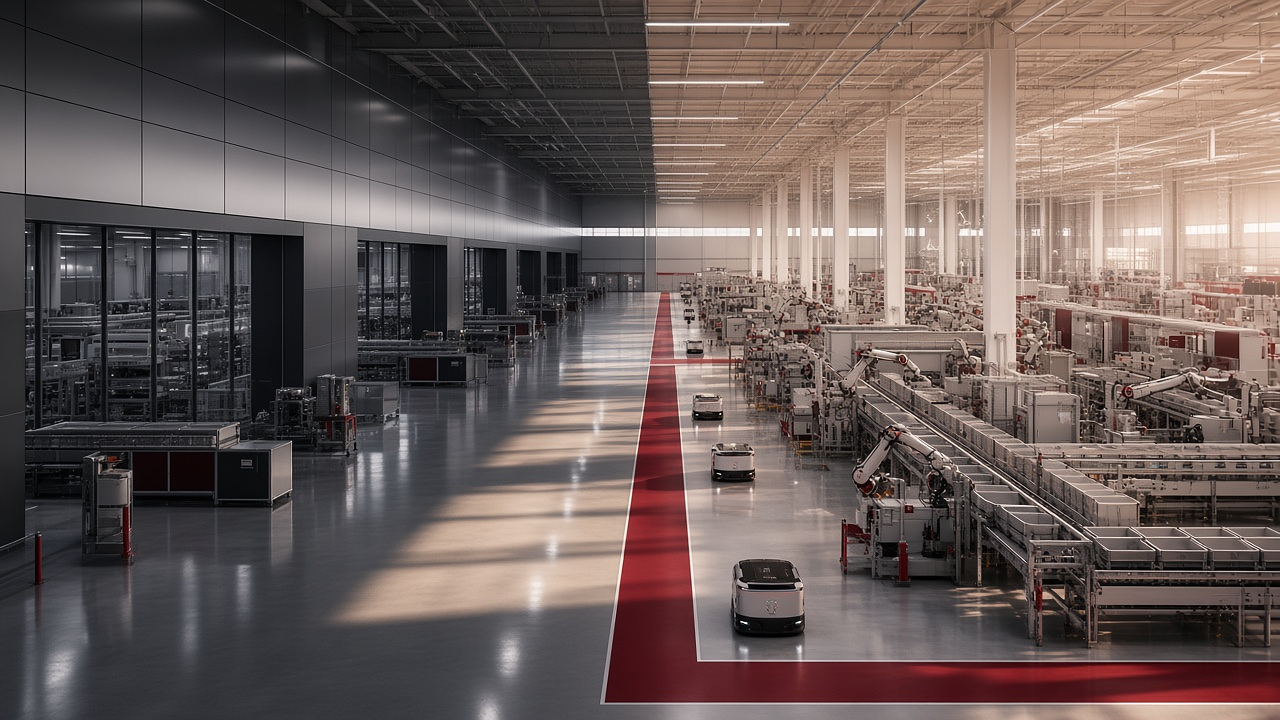
Origin sort, ULD build or container stuff. Bay, operator and scan type stay on the same tracking number.
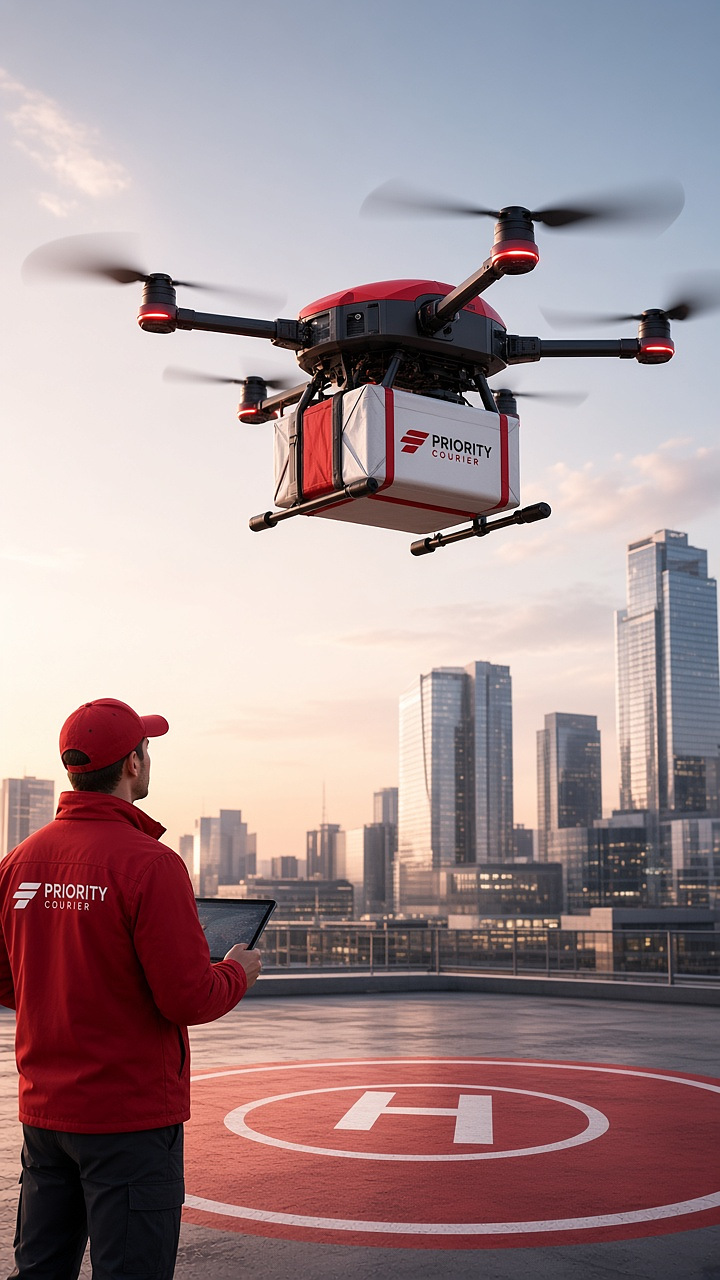
Air, ocean or road as separate events — not a single “in transit” stamp that hides the corridor.
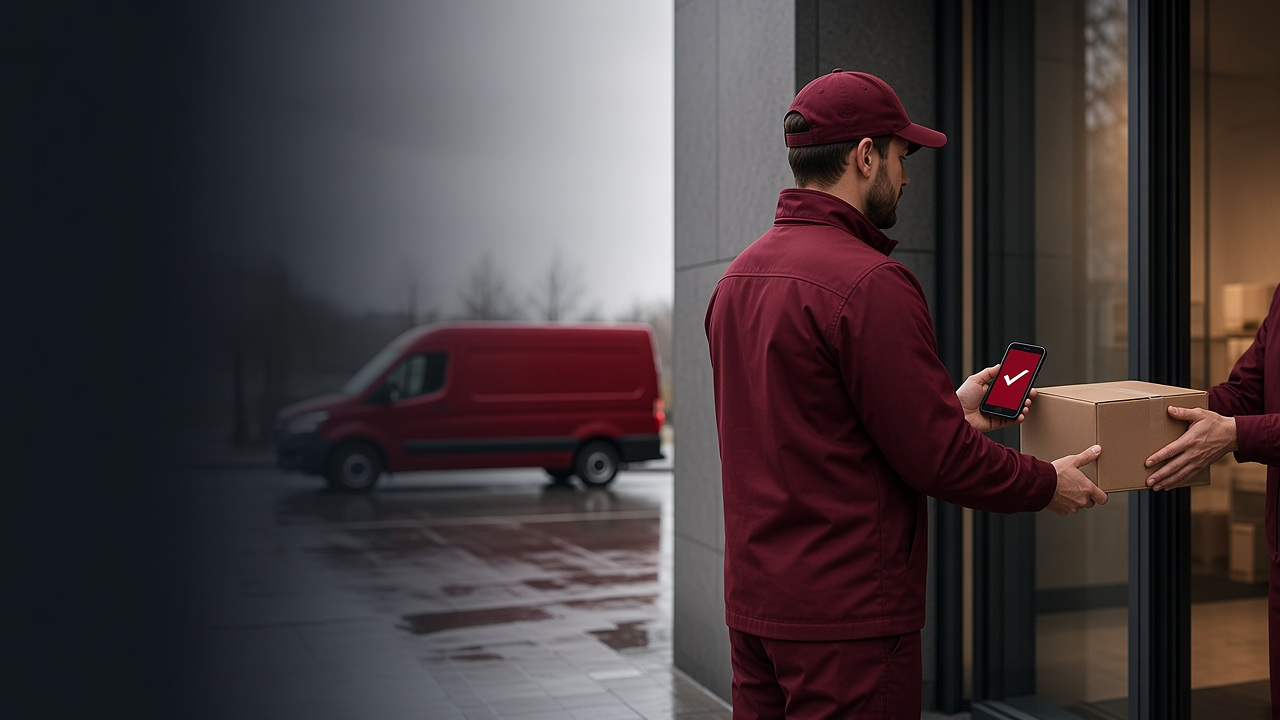
Out for delivery, attempt or proof. Signature, GPS and a photograph close the record when the service requires it.
Pickup, hub, linehaul, customs and proof write to the same tracking number. We do not mint a second one when the window slips.
What you see is the last event that actually happened at a named facility — not a marketing progress bar.
A hold, miss or damage opens a named exception on that record. The desk and the public page share the same history.
Express, air, ocean and land — each a published service with its own page, all writing to one live shipment record.
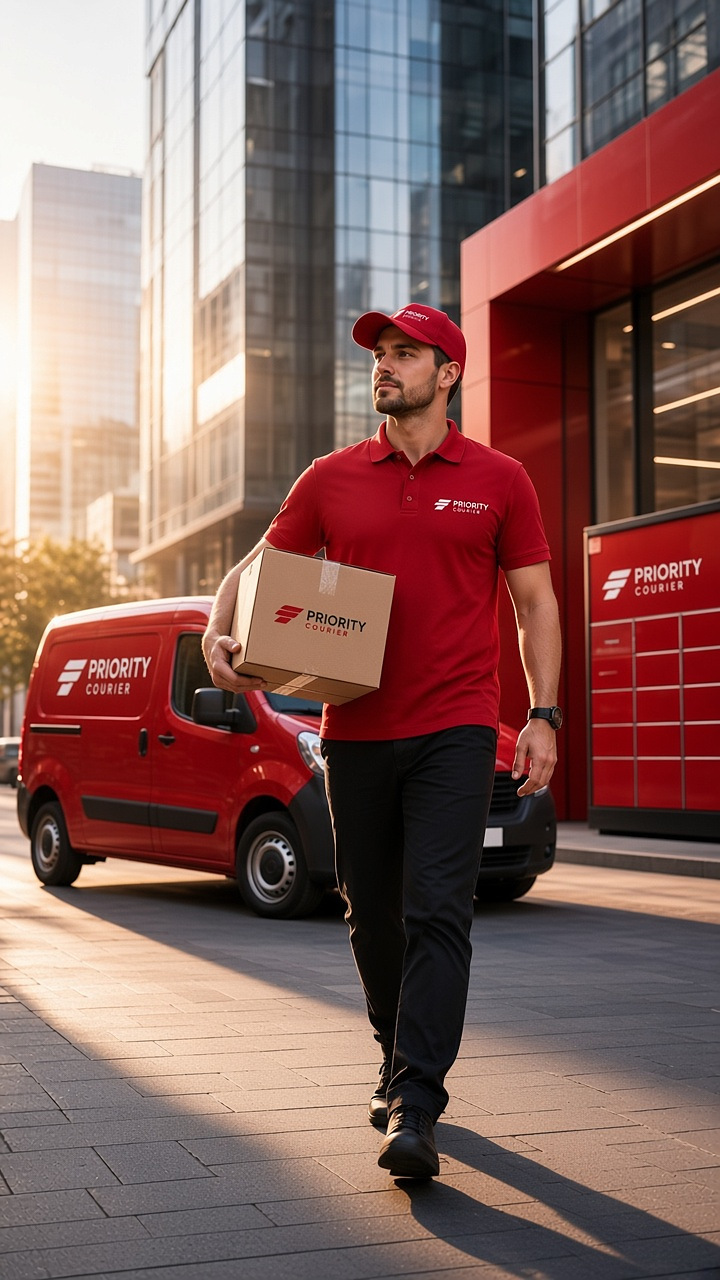
City and next-day parcels with a booked window, a named courier and a redirect before the first attempt.
Open service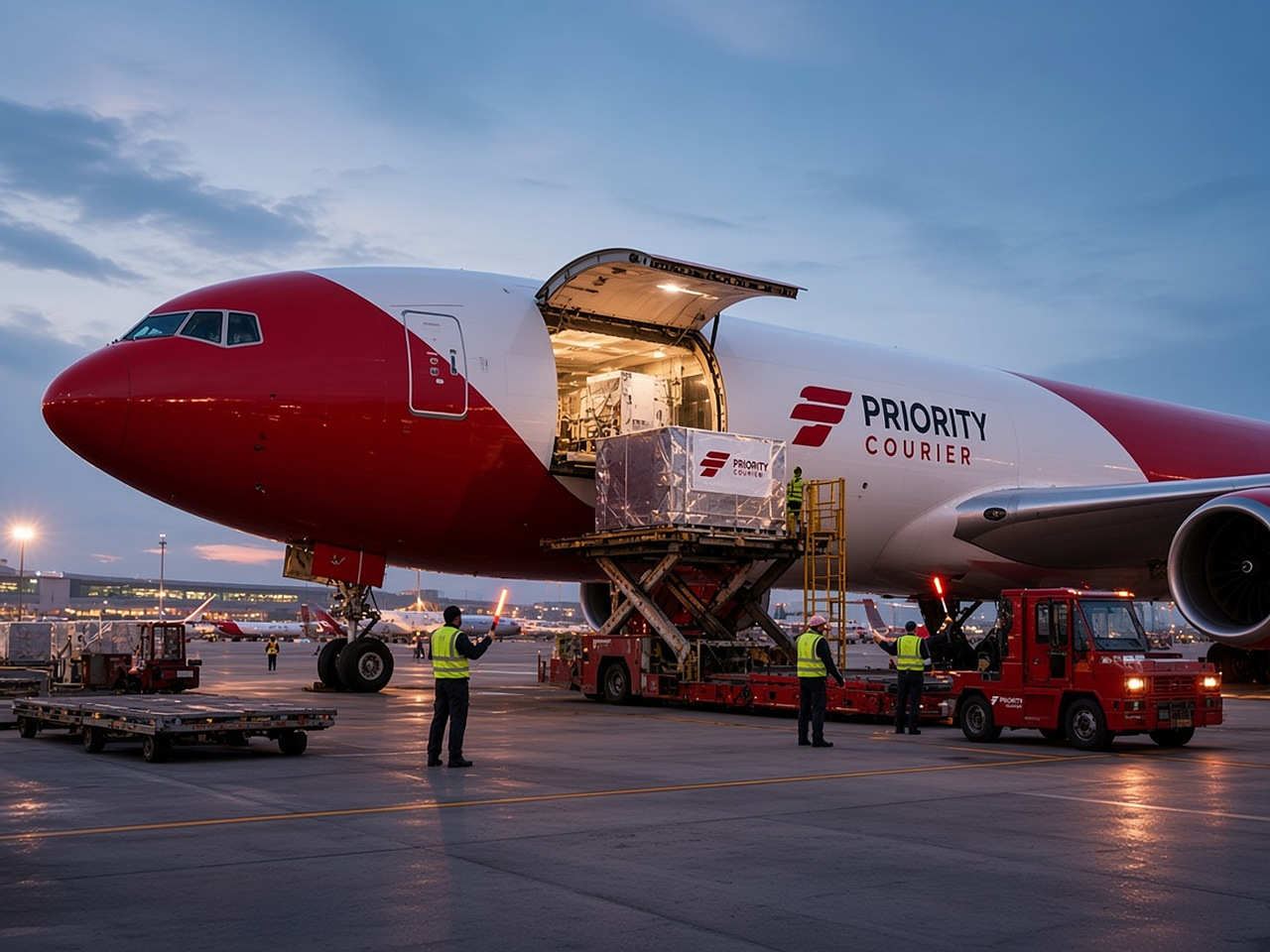
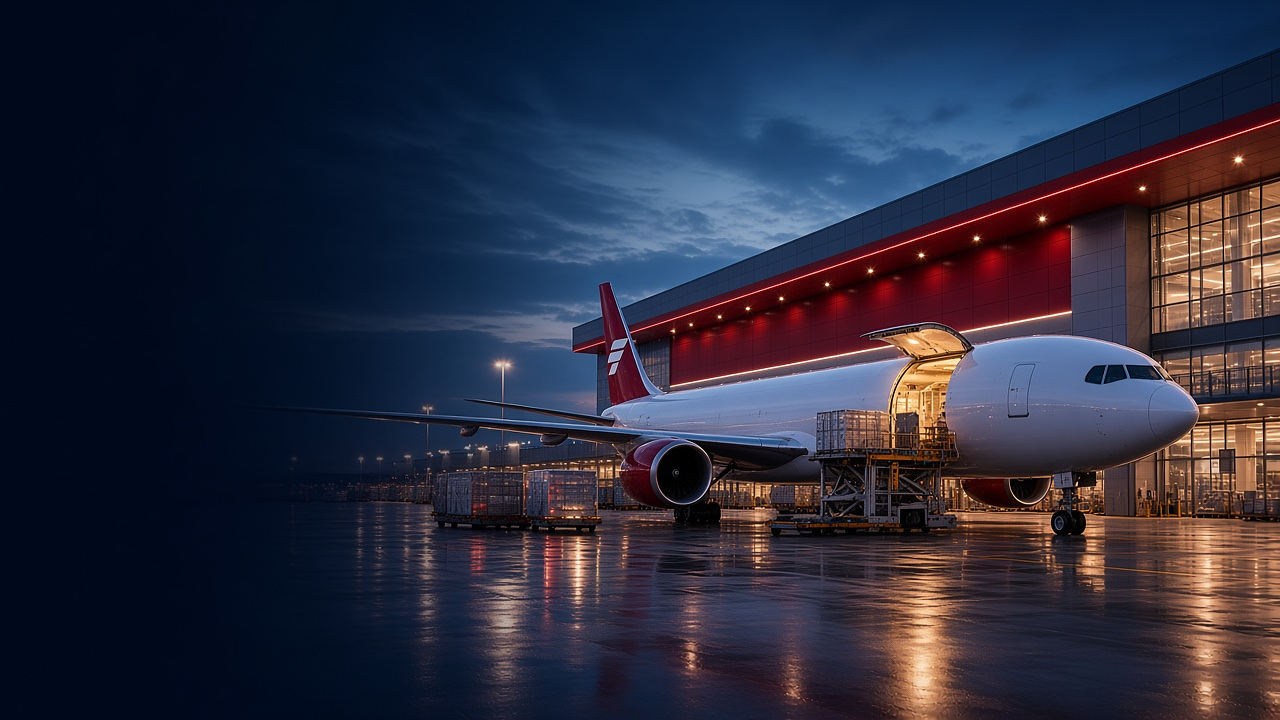
Airport, customs and linehaul as separate events — time-critical freight without a collapsed in-transit stamp.
Open service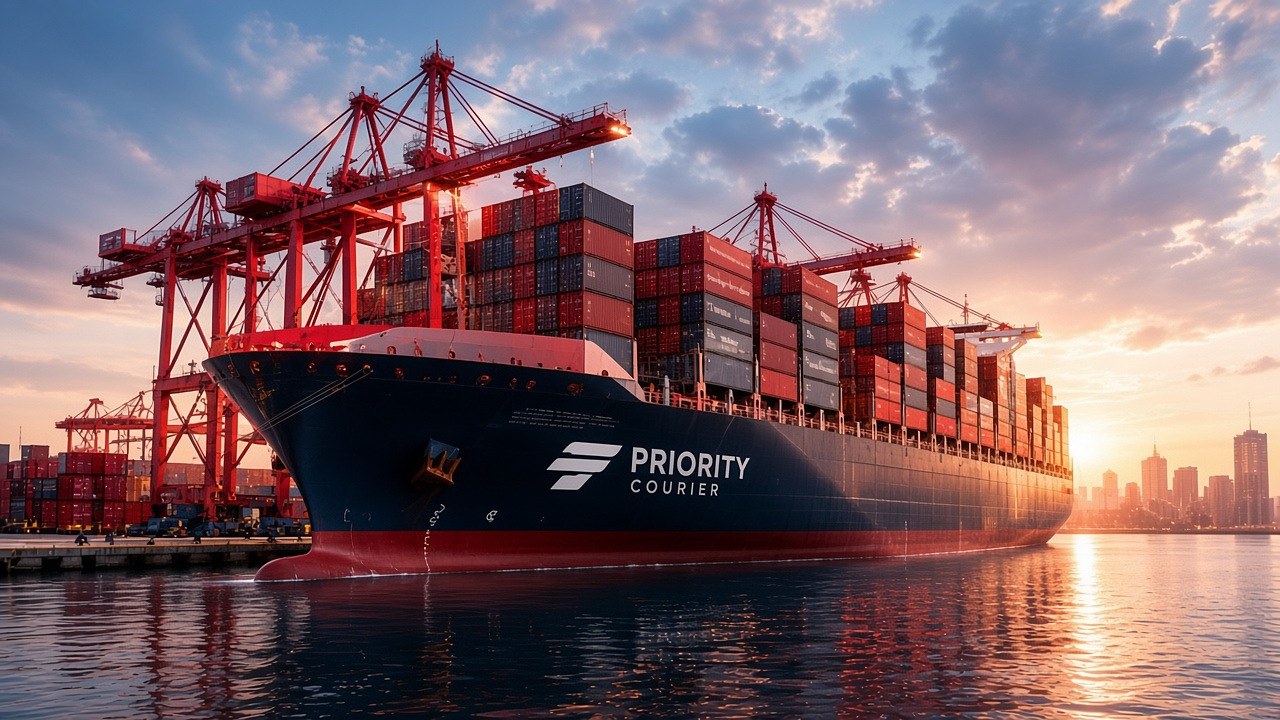
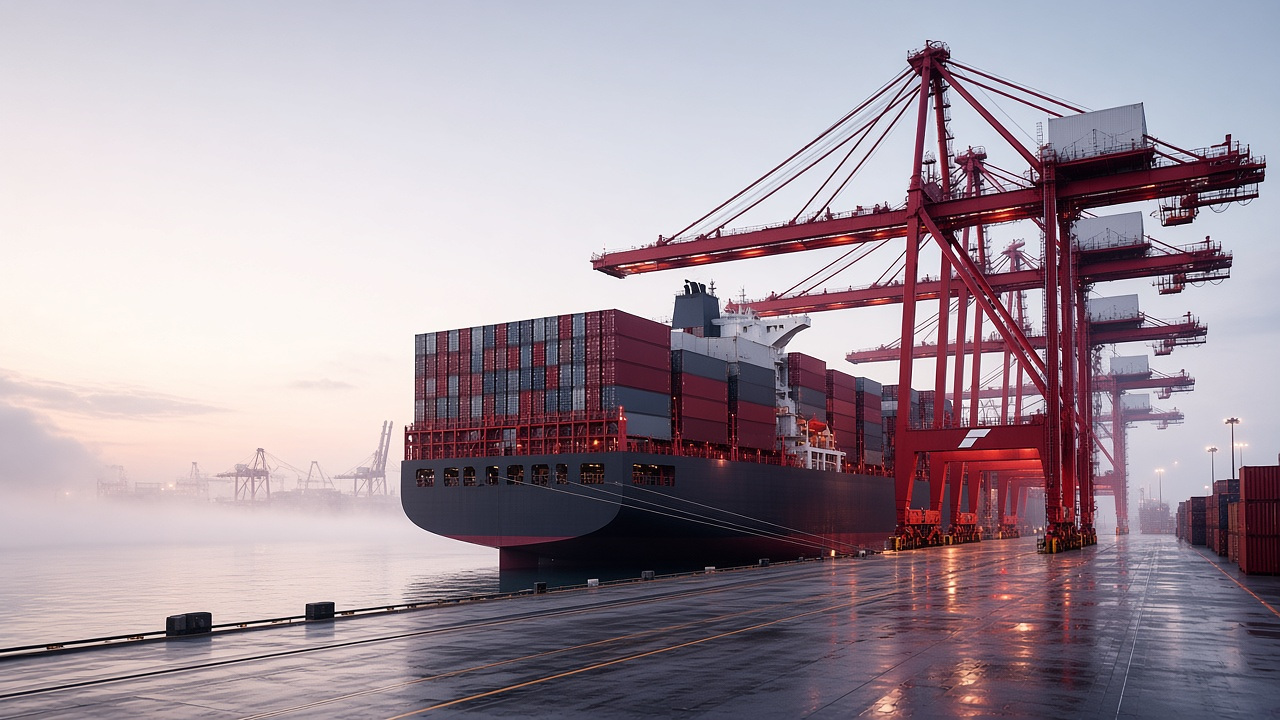
FCL, LCL, port milestones and inland completion on the same tracking number you already share.
Open service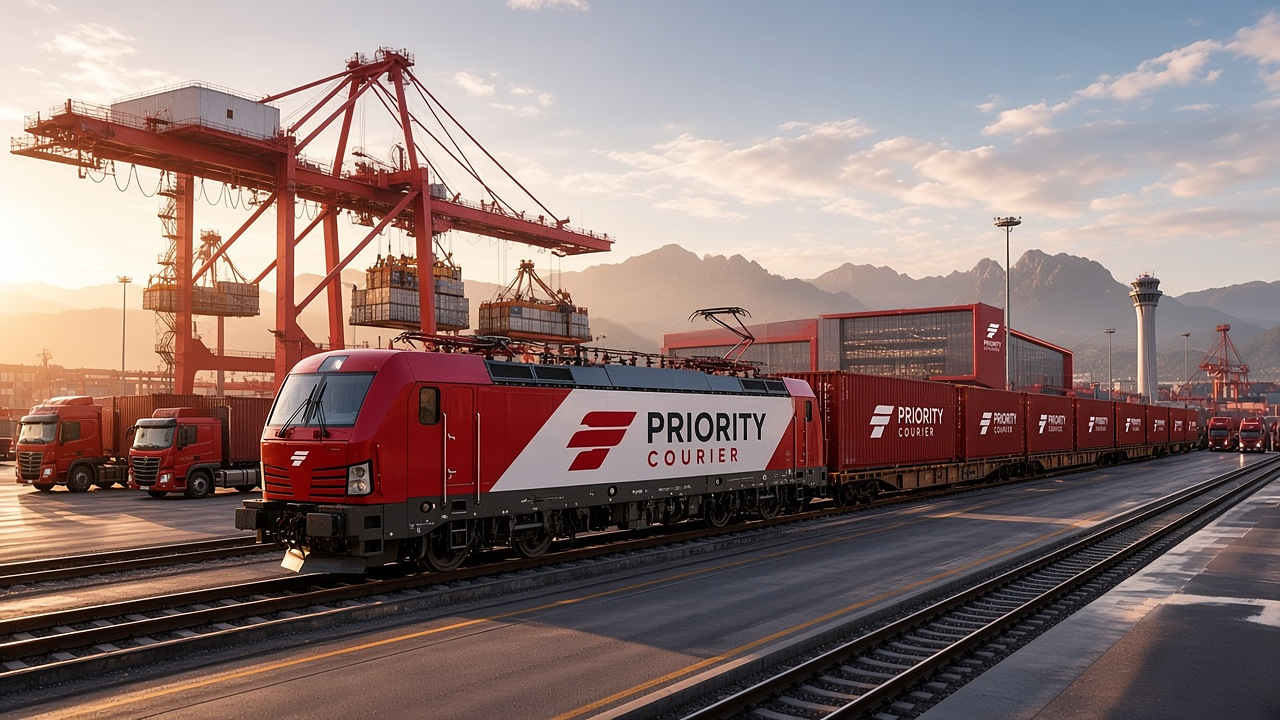
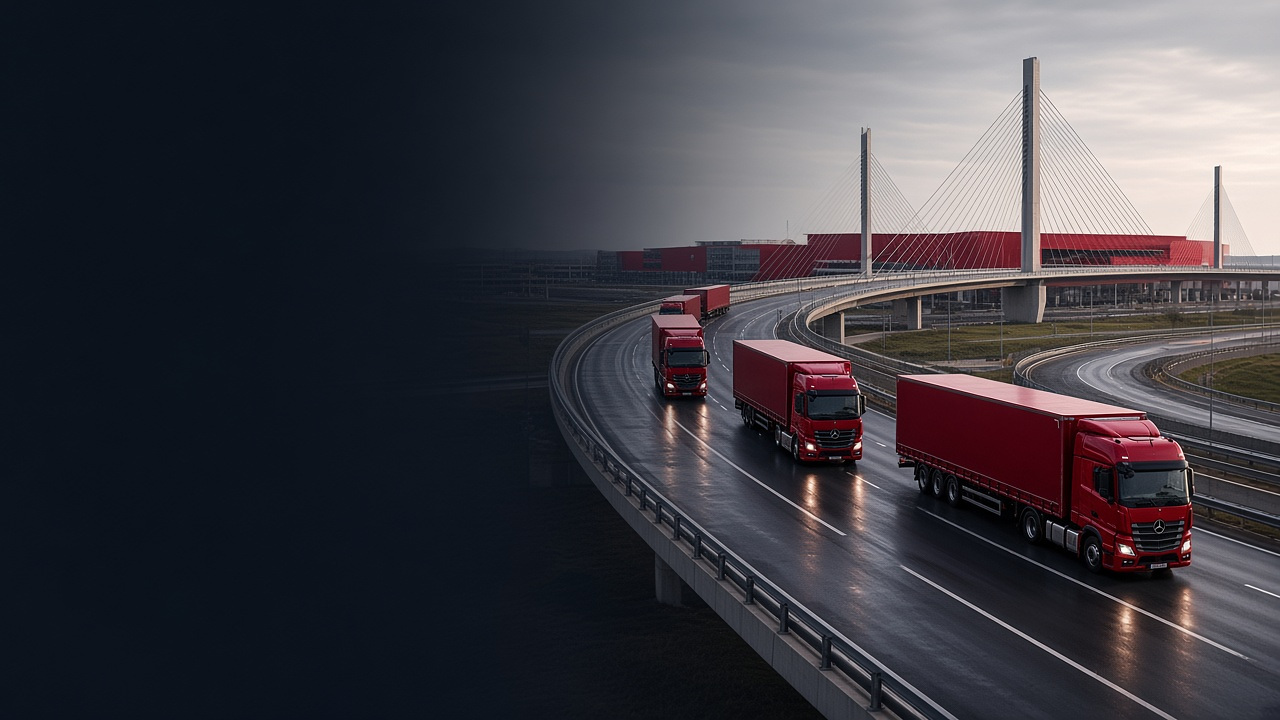
Dedicated and consolidated road, with rail where the corridor is faster than the motorway.
Open serviceBins, holds and bonded storage on the shipment you already track.
City windows with live van assignment and a redirect before the first attempt.
Customs as a first-class state — declaration, hold, release.
Portal, invoices, quotes and an account record the desk can actually work.
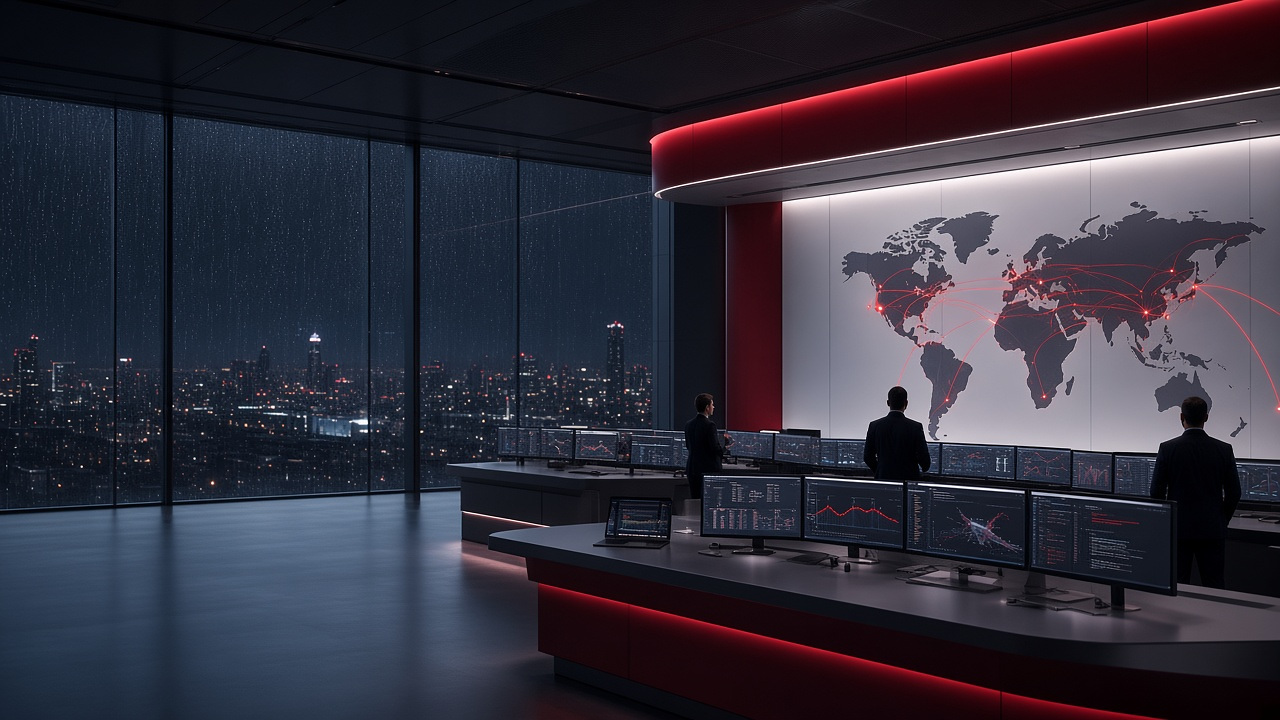
Published gateways and the air, ocean, road and rail corridors between them. Moving aircraft and vessels are product glyphs — not live customer shipments or telemetry.
33 published gateways · 81 corridors · coverage glyphs only
Search by tracking number, order reference or invoice. Milestone language below is what you will see on the record — not a marketing progress bar.
Example completed record: PC-2026-EXMPL01
The first custody scan: who held it, the piece count, and the origin dock.
Sort, ULD or container stuff. Bay and scan type stay on the same number.
Air, ocean or road as their own events — including customs if the corridor requires it.
A named run and a window. A miss creates an attempt, not a second tracking number.
Signature, GPS and a photograph close the record when the service requires proof.
The same quote engine as the full estimate page: chargeable weight, zone, service and the published fuel surcharge. The number is an estimate, not a contract and not a booking.
Service base, chargeable kilograms, the zone multiplier and the fuel rule currently published in settings. Transit text is copied from the same rate card the desk uses.
Accessorials, duties, VAT, waiting time and insurance are not invented here. Confirmation is a saved quote on a named account, or written confirmation from the desk.
Origin and destination cities, actual kilograms, outer dimensions, and whether the movement is domestic, Europe or international. Dims drive volumetric weight when they exceed actual kg.
The panel on the right shows chargeable kg, transport and fuel. Nothing is booked and nothing is invoiced.
Sign in to persist the quote on a named account. The public calculator does not create a booking.
Request a pickup with the origin, destination and chargeable weight, or ask the desk to confirm in writing.
Need insurance, accessorials or a longer note? Open the full quote page — same engine, more fields.
Illustrative preview — not live operational data. Volume and mode charts show how a Priority Courier operations desk would present activity. Transit windows below are copied from the published rate card.
Shares are an illustrative split of how a desk would chart activity — not measured volume. Transit windows sit on the estimate desk above, copied from the live rate card.
Published city pairs and Priority Courier identifiers. Rows switch the way a gateway board would — not a customer feed and not live operational telemetry.
Premium logistics is a documented chain, a published window, and a person who can intervene when the window slips.
Role-checked scans, sealed packages and facility access logged against the shipment. Uploads stay off the public web root.
Declared value travels with the commercial invoice. Claims open from the same record that holds the last GPS fix and the proof of delivery.
Import as a first-class state: submitted, queried, held or released. Brokers and HS codes sit on the timeline.
On-time is measured against the booked window, not a marketing average. Misses create an exception with an owner.
Commercial invoice, packing list and proof of delivery attach to the shipment identifier. The public page does not host unrestricted file downloads.
A hold, miss or damage opens a named exception. We do not invent a second tracking number when the window slips.
24/7 worldwide desk, client portal login, and contact that asks for the tracking number first. We do not invent a second identifier when a window slips.
Strategic hubs listed as facilities, one tracking number across borders.
→Health, ETA and next action calculated from scans on the tracking page.
→Fuel and zone rules sit on the receipt. No surprise line after delivery.
→Signed-in accounts see the same events, invoices and documents.
→Electric linehaul where the corridor allows it, fewer empty miles, and a control tower that intervenes before a miss becomes a claim. We do not publish unverified on-time percentages here.
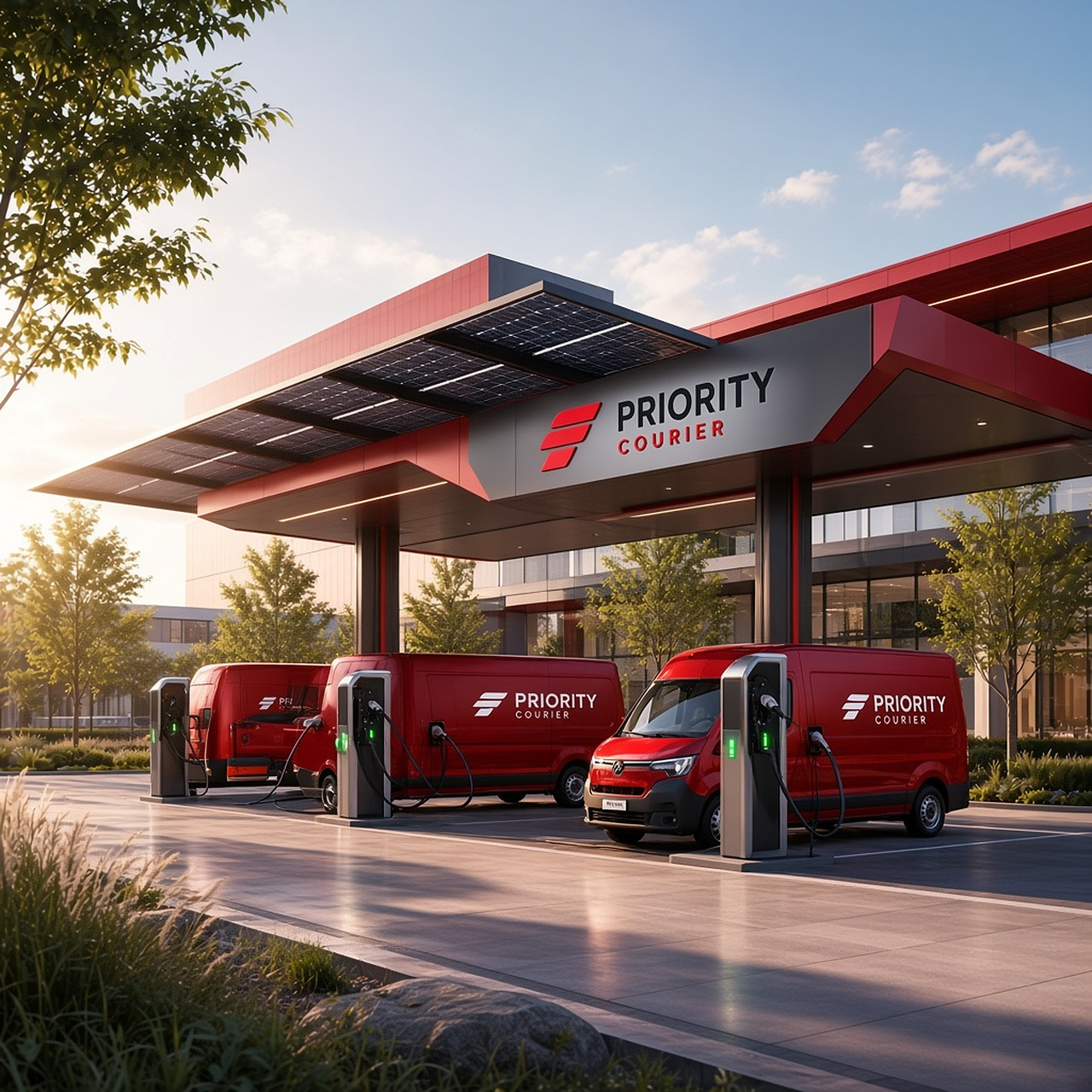
33 published facilities — origin sort, customs bonded areas and last-mile depots. Coverage is this list, not a shaded continent. Hours are local operating windows, not a walk-up retail counter.
Use previous and next, pagination, or arrow keys to page published gateways. Facility notes stay on the locations directory.
Hours are local operating windows, not a walk-up counter. Facility notes stay on the locations directory.
Photographs from published facilities — how the same record behaves for different cargo. These are not client logos, carrier marks, or claimed endorsements.

Sequenced parts on a booked window. Linehaul and last mile stay on one identifier — a miss is an attempt, not a new number.
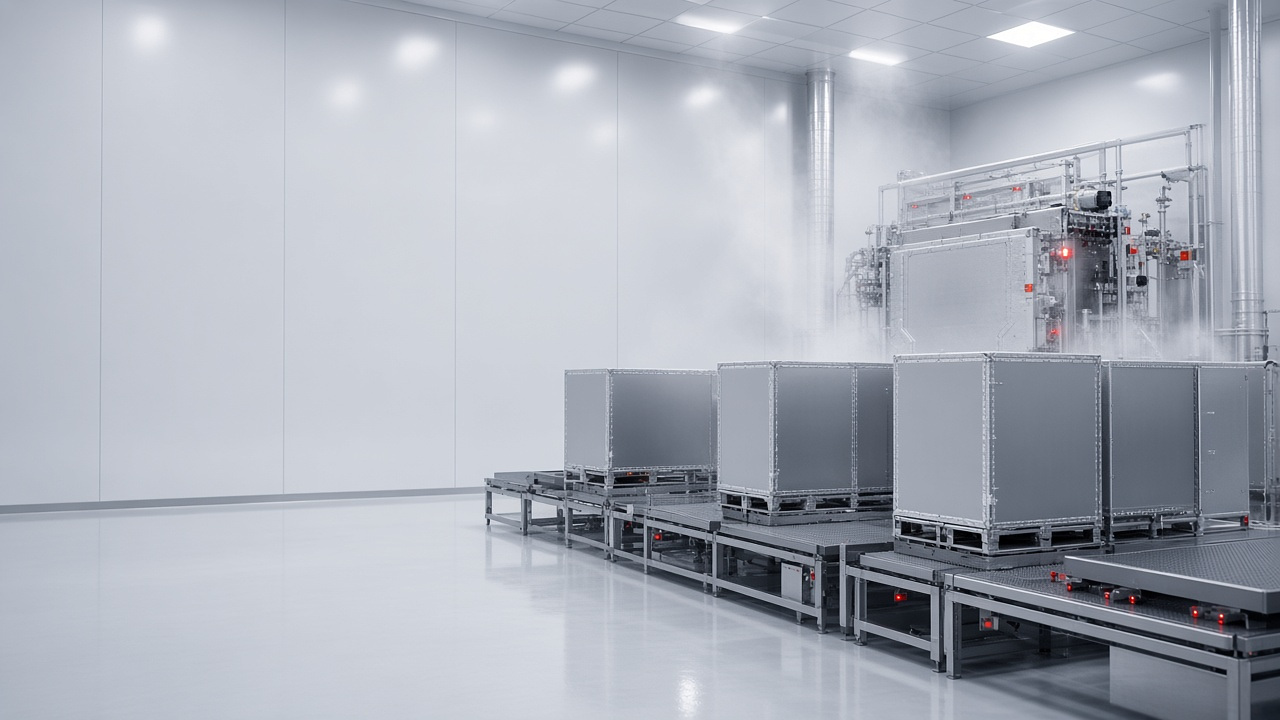
Packing list, temperature notes and proof attach to the shipment record the desk and the portal already share.
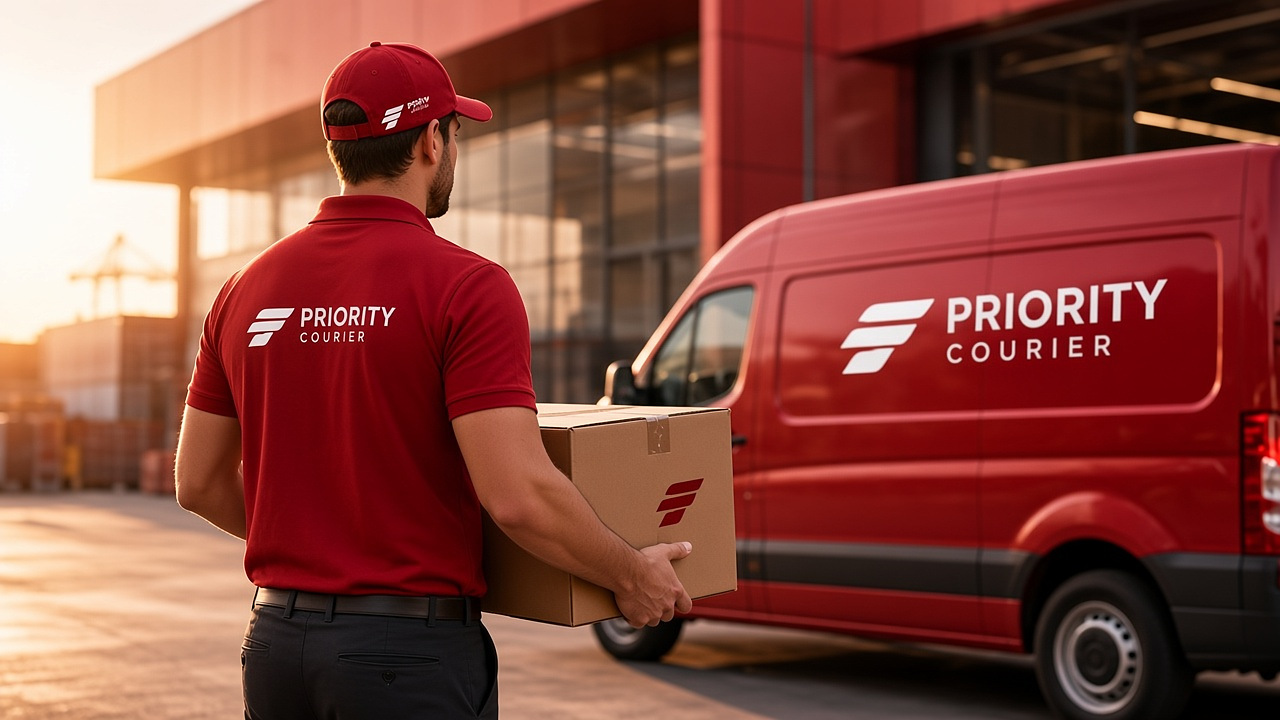
Seasonal drops with a named courier on the last mile and a redirect before the first attempt.
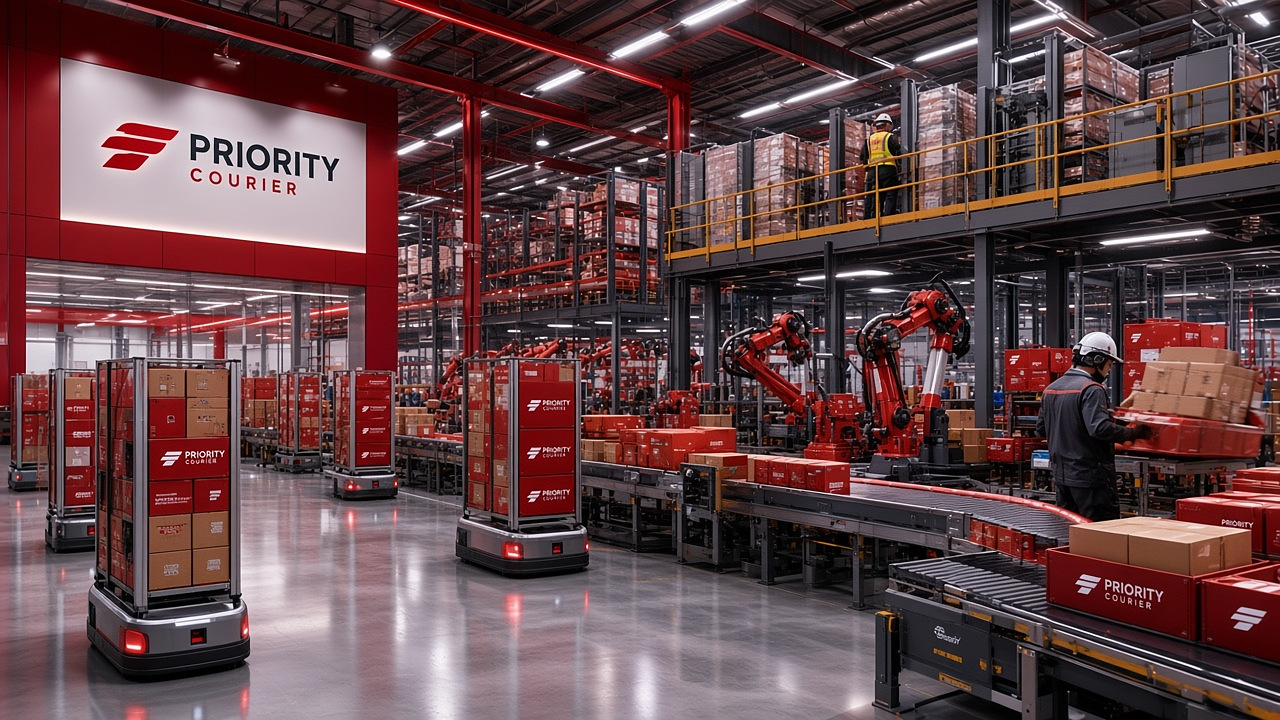
Piece count, serial notes and photo proof when the service requires it. Uploads stay off the public web root.
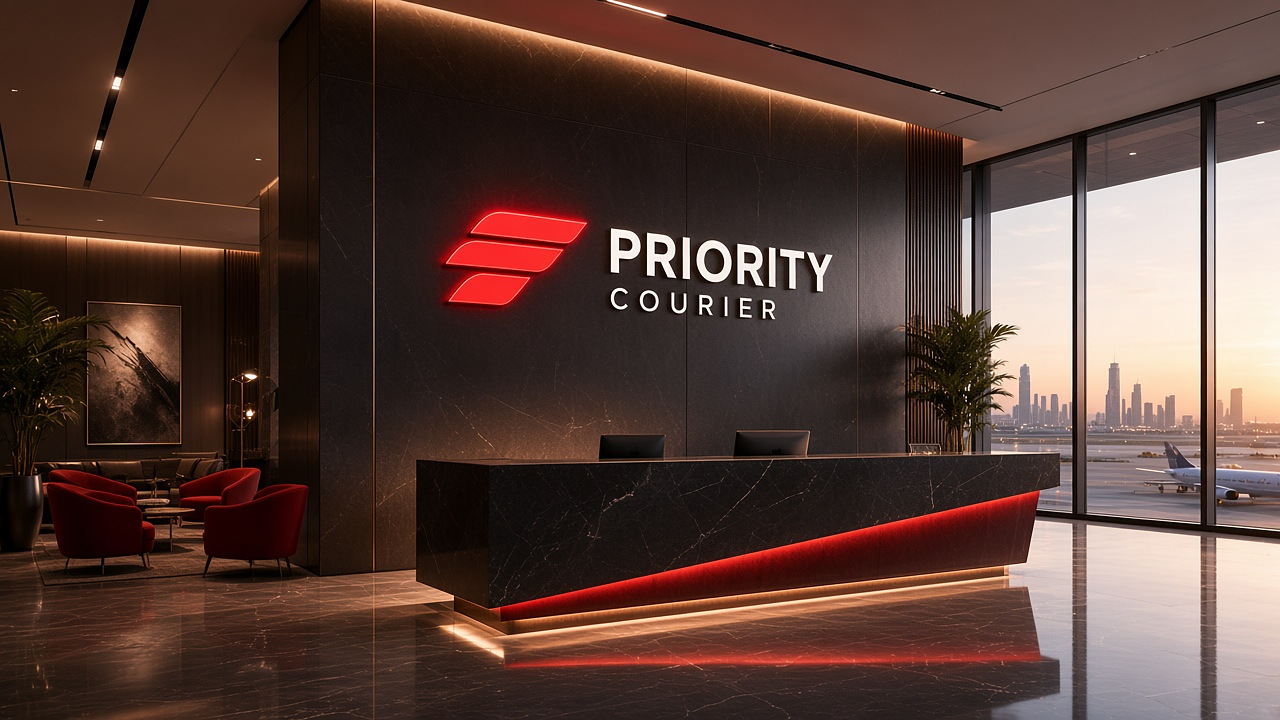
Sealed packages and a chain-of-custody scan. These listings are operational docks, not a walk-up drop box.
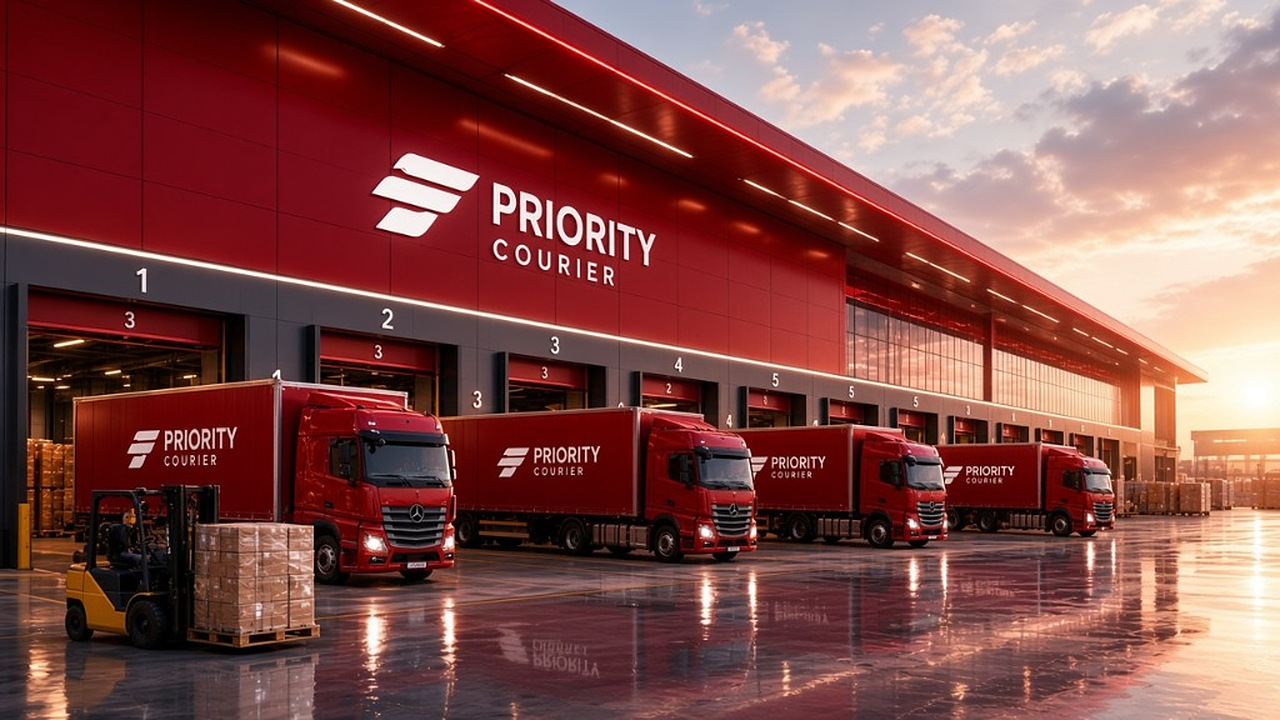
Port milestones, bonded holds and inland completion as first-class states on the same tracking number.

Airport, customs and linehaul as separate events — not a collapsed “in transit” stamp that hides the corridor.
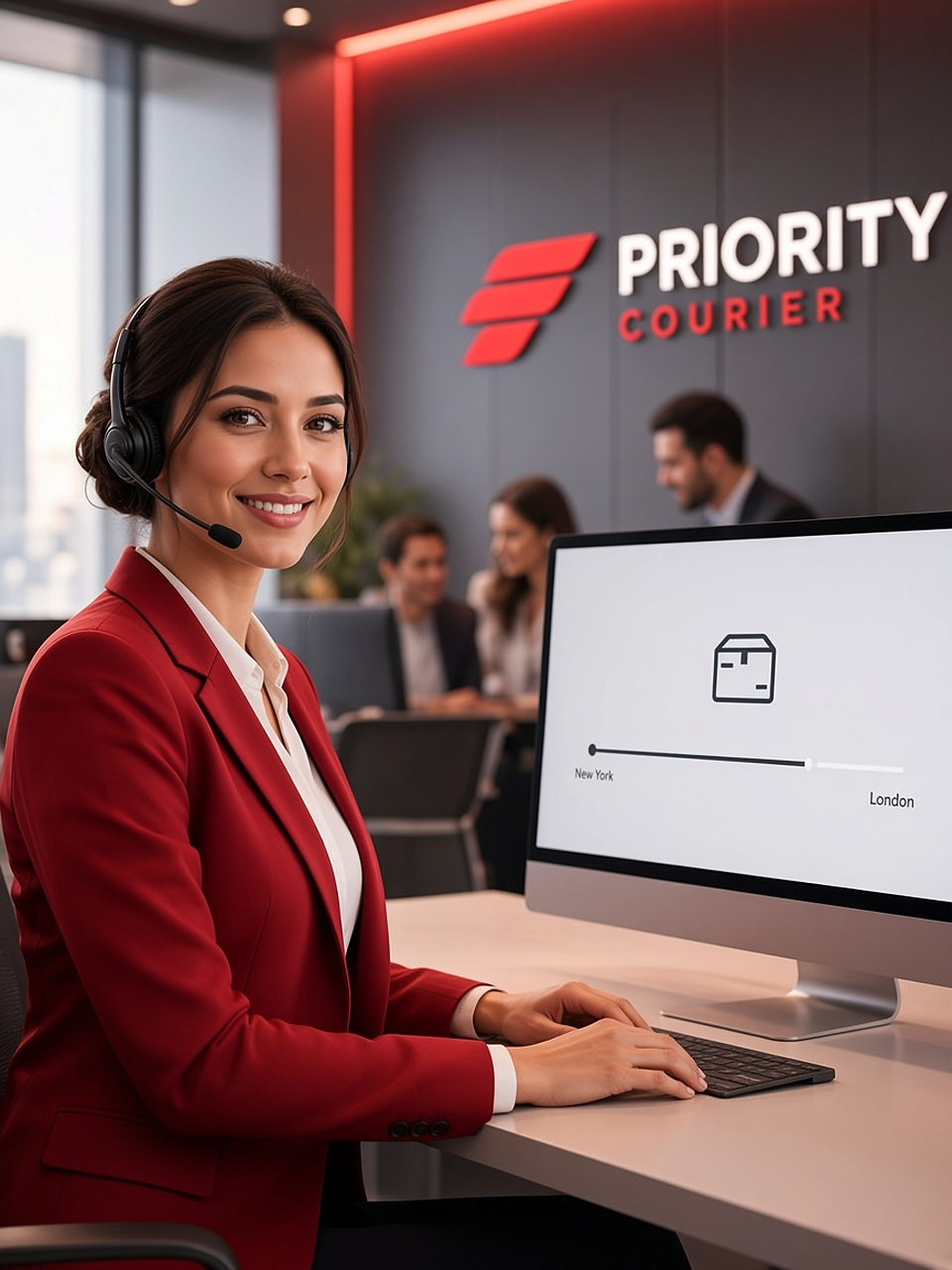
Portal, invoices, quotes and a named desk that works the same record as the warehouse scan.
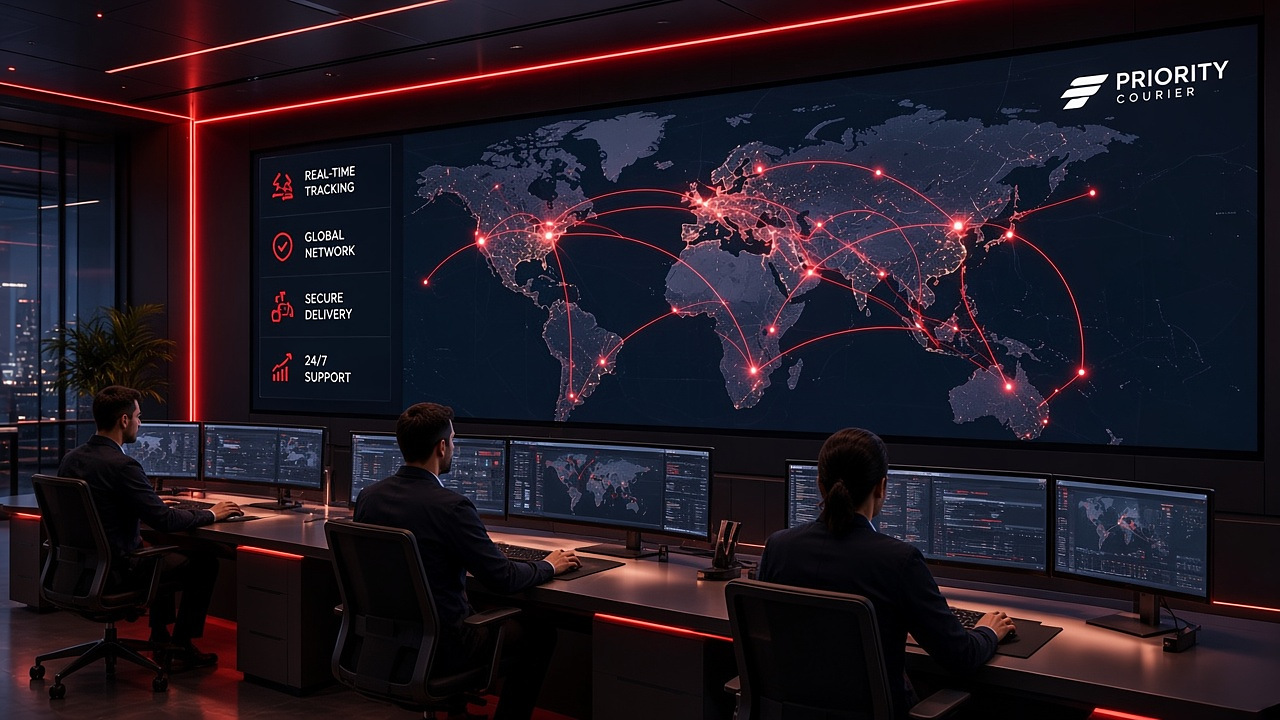
Line-side deliveries measured against the booked window, with an owner when that window slips.
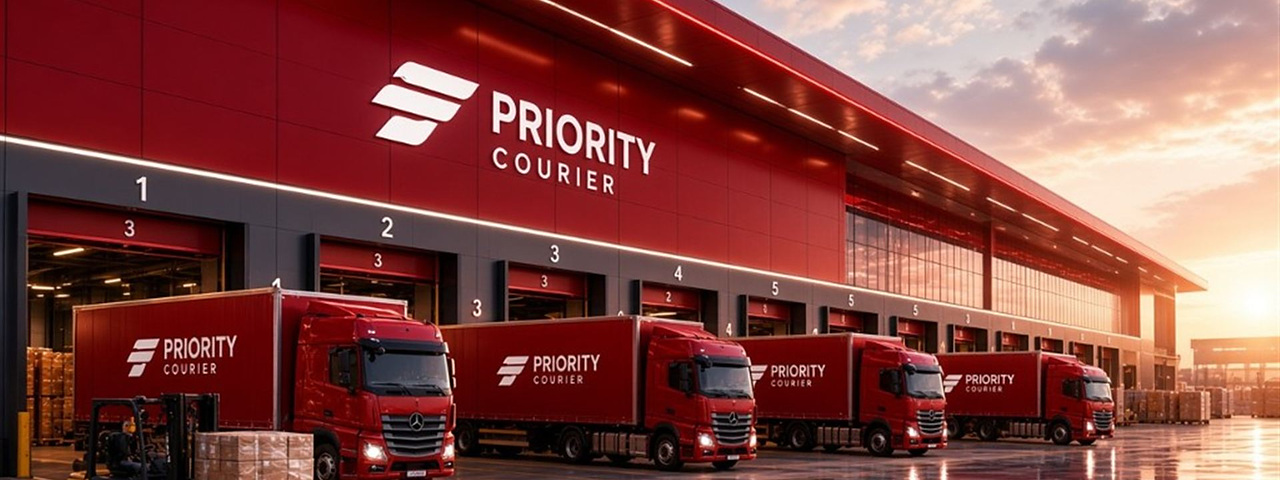
Bins, holds and bonded storage as a state on the shipment you already track — not a second inventory system.
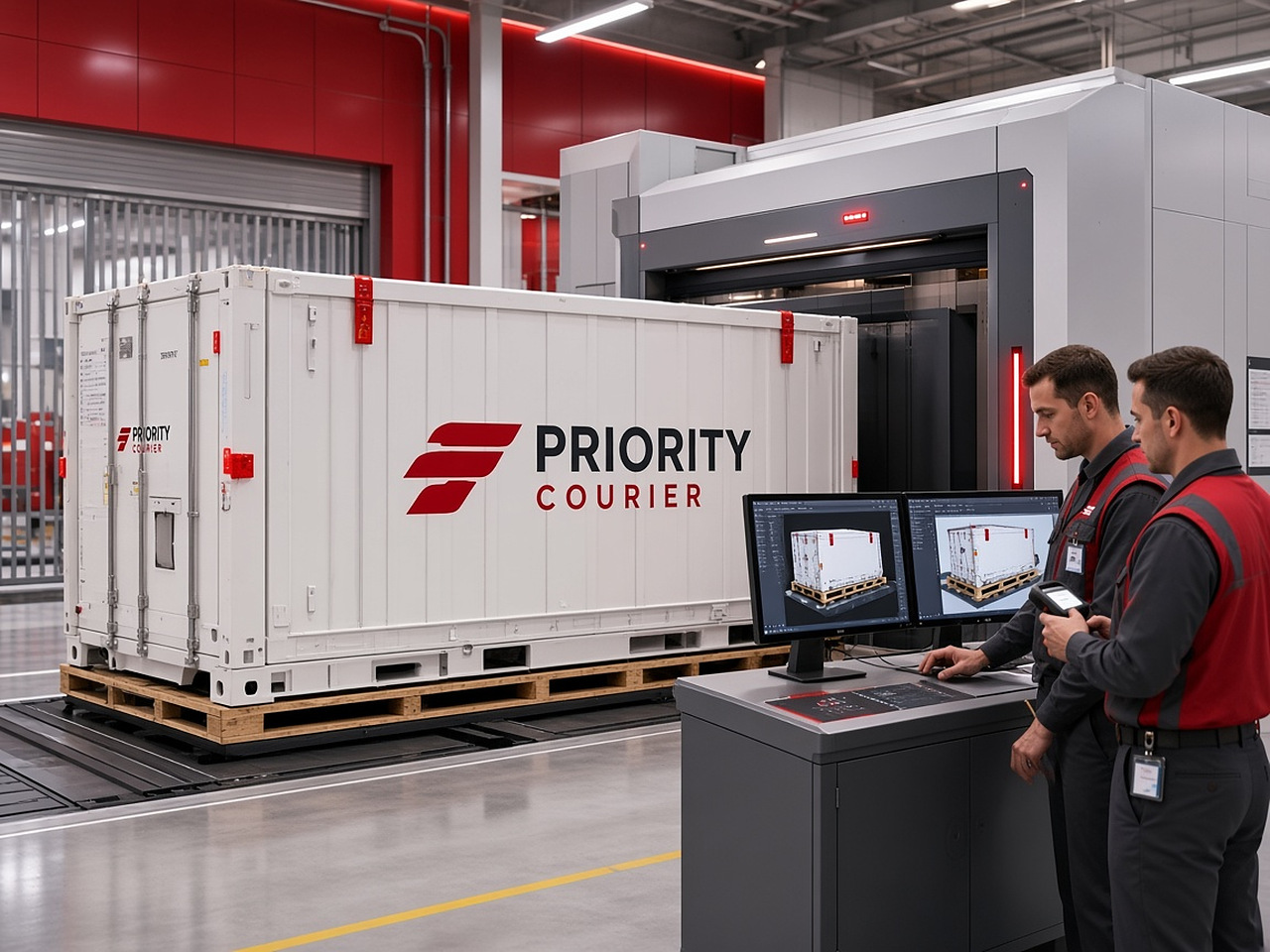
Project freight with a counted piece list and a named exception if the window or the piece count changes.
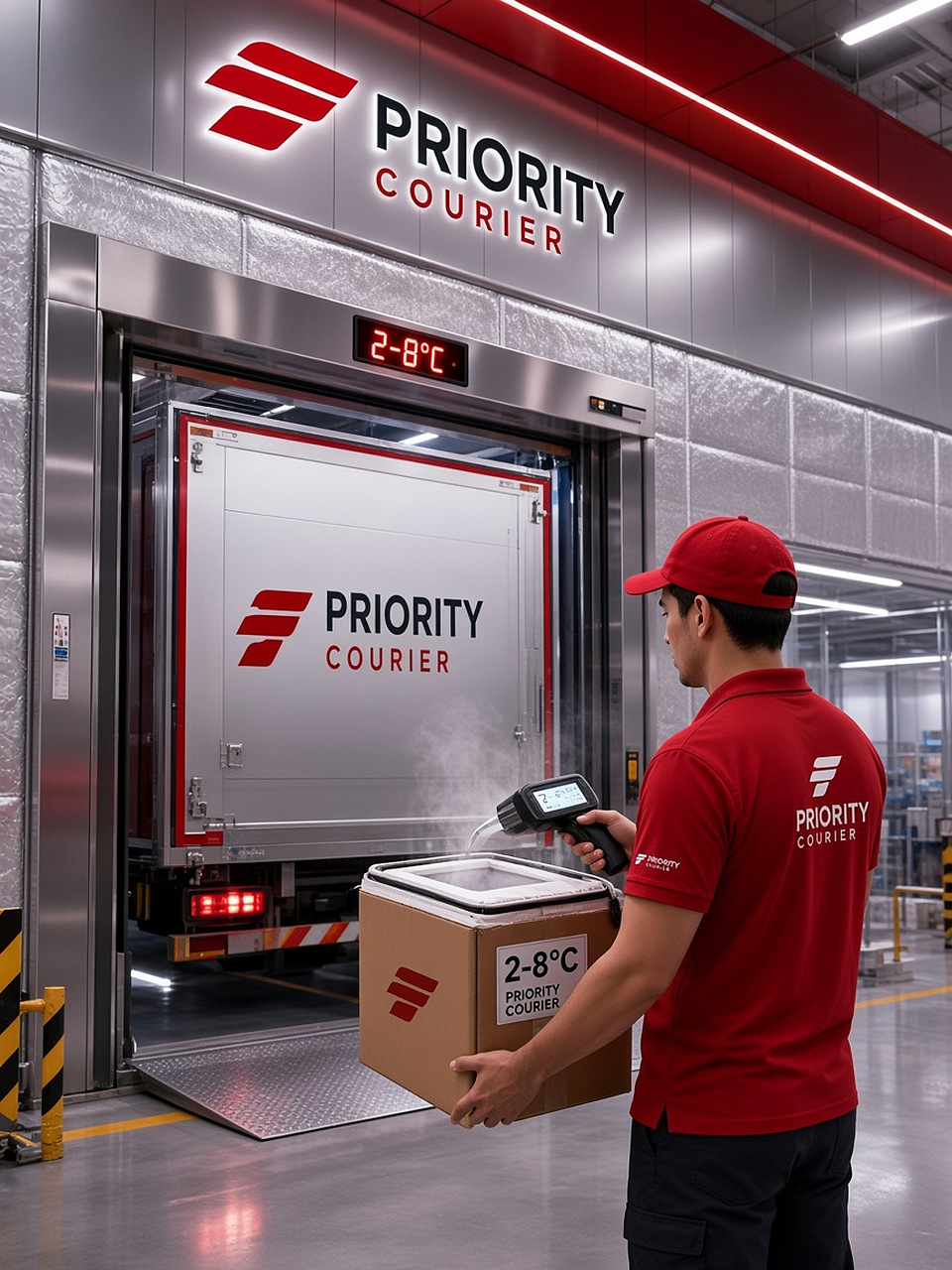
Dual scan and photo proof for instruments and samples. Handling notes travel with the commercial invoice.
Plain answers. If a control cannot complete the job yet, we do not show it as a button.
Enter the tracking number, order reference or invoice on this page or at /track. The public page, client portal and control tower share the same event history.
Collected is the first custody scan. At hub is sort or build. Linehaul is air, ocean or road (and customs when it applies). Out for delivery is a named run. Delivered closes with proof when the service requires it.
Chargeable weight is the greater of actual kilograms and L × W × H ÷ 5000. Transport is (base + kg × rate) × zone, plus the published fuel surcharge of 12%. Open the calculator above or the full quote page.
Write via contact, or sign in to the client portal so the inquiry sits on the same account as the shipment. Have the tracking number ready.
Yes, on the same tracking number. A miss creates an attempt, not a second identifier. Use delivery management or ask the desk with the number in the subject.
Commercial invoice, packing list and proof of delivery attach to the shipment record. Signed-in accounts see them in the portal. The public tracking page does not host unrestricted downloads.
It is a facility that can appear on a scan — origin sort, air build, ocean desk or last mile. It is not a walk-up counter. Hours are operating windows. The directory is on locations.
Book a movement, watch the scans, print the proof. Collection from the dock, a live record all the way, and a person on the desk when the window changes.